

Aligner apps – when I started treatment, there were basically two: the official Invisalign one and an independent one I used every day. Since then, far more serious tools have appeared: systems where you photograph your teeth with your phone, AI checks whether your aligner fits, and your orthodontist messages you without you setting foot in the practice.
Here are the aligner apps worth knowing about, what they do and what I think of them after my 3.5 years with Invisalign.
Contents
Which aligner app should you choose?
| What it’s for | Price | |
|---|---|---|
| My Invisalign | wear time, reminders, photos, your treatment plan (ClinCheck) | free, Invisalign only |
| Invisalign Virtual Care AI | photos with a phone attachment, AI check + feedback from your practice | set by your practice |
| DentalMonitoring | photos with a ScanBox, AI check + feedback from your practice | set by your practice |
| TrayMinder | wear time, reminders, photos to compare progress | free, with a paid Premium version |
In short: for tracking wear time and staying motivated, one free app is enough. The AI monitoring systems aren’t something you pick yourself – your orthodontist either offers them or doesn’t.
My Invisalign – the official app

My Invisalign is the free app from Align, the company behind Invisalign. You log in with the details your orthodontist gives you. It includes:
- a wear-time tracker;
- reminders for when to switch aligners and how much treatment is left;
- a selfie gallery so you can watch your smile change;
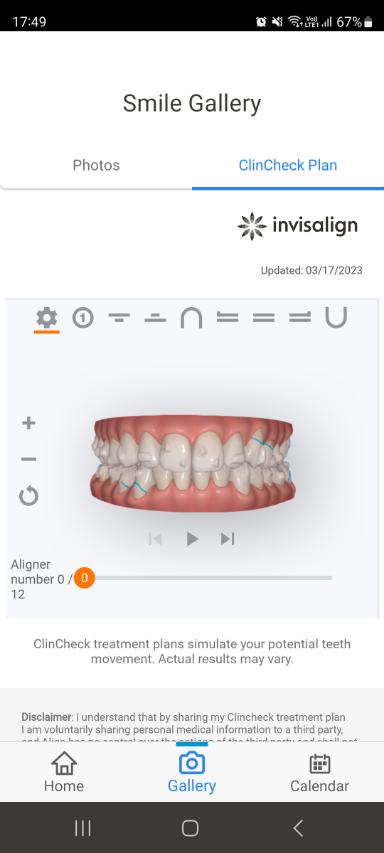
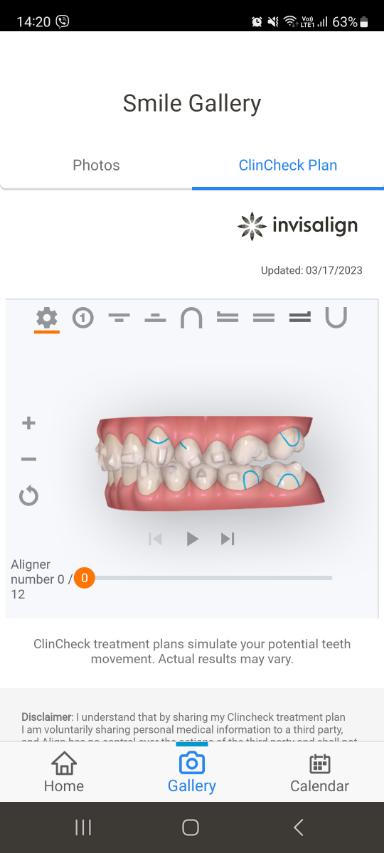
- your treatment plan (ClinCheck) – if your orthodontist shares it with you;
- Virtual Care – sending photos to your practice, if your orthodontist uses the service (more below).
My experience: when I used it, the wear-time tracking didn’t always work well. And the photos were only sorted by date, with no way to put them side by side to see your progress. The big plus is the plan, though. The ClinCheck Plan button only appears if your orthodontist has shared the plan with you, and then you can explore every stage from every angle.
Invisalign Virtual Care AI – your orthodontist “sees” your teeth remotely
This is Align’s official remote monitoring system. Virtual Care AI runs through the same My Invisalign app, but with a small phone attachment – the Invisalign Lens. Each time you switch aligners, you use it to take a series of photos of your teeth and send them in.
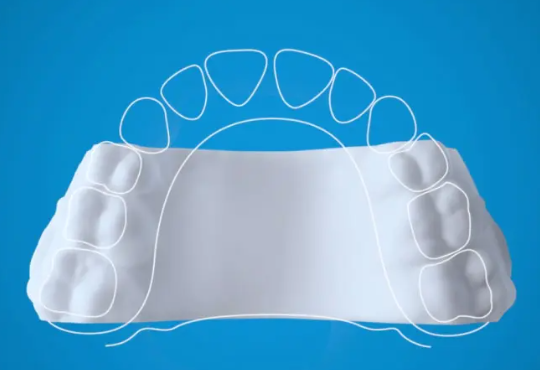
AI measures whether there are gaps between the aligner and your teeth – in other words, whether your teeth are following the plan. Align-trained staff check the results, and feedback arrives according to your orthodontist’s settings, usually within about an hour. If something’s off, your practice calls you in sooner.
That’s the most valuable part: it catches a tooth that’s falling behind the aligner early. In my case, two stubborn teeth were only spotted at a check-up, and I needed a whole new set of aligners. How to spot this yourself is in when to call your orthodontist.
How much does it cost? Align doesn’t publish a price for patients. The service is offered through your orthodontist, who decides whether it’s included in your treatment or charged separately, along with the attachment. Ask at your first consultation.
Virtual Care AI doesn’t replace check-ups, it adds to them. If your practice offers it, ask whether it’s included in the price and how often you’ll still be seen in person.
DentalMonitoring – the other AI system
DentalMonitoring is an independent French system, and the older and more widespread of the two. It works with different aligner brands and with braces, not just Invisalign.
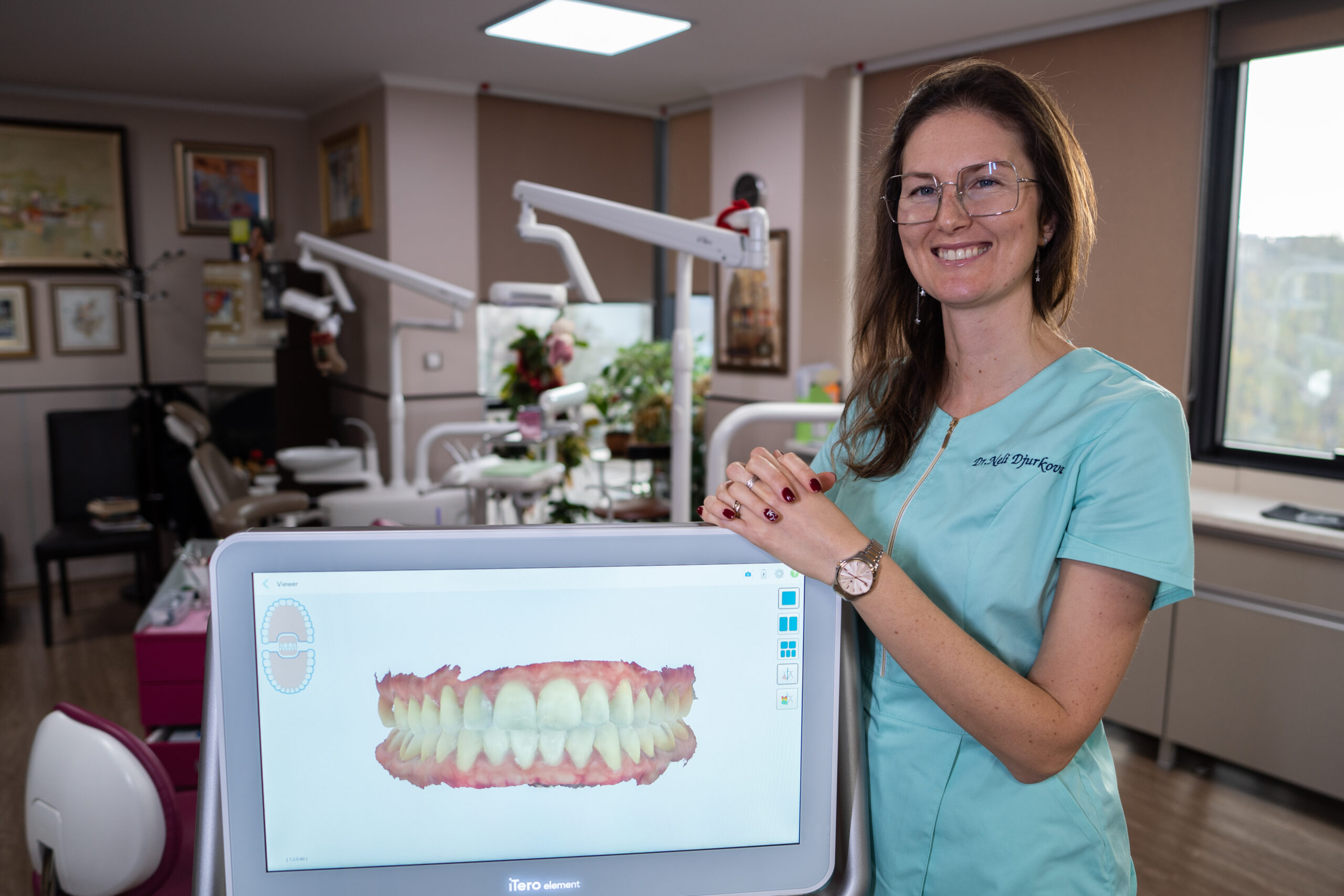
How it works: you get a plastic attachment (a ScanBox) that holds your phone and includes a cheek retractor. On set days, the app reminds you to take a short video or a series of photos of your teeth. AI analyses them – whether the aligner is seated, whether an attachment has fallen off, how your gums look – and your orthodontist tells you what to do next. For example, move to your next aligner sooner, use chewies more, or come in for an appointment.
How much does it cost? Again, your practice sets the price. Some European practices include DentalMonitoring in the treatment at no extra cost, others charge for it – as a separate fee or as part of a pricier package. There’s no official patient price.
TrayMinder – my favourite app

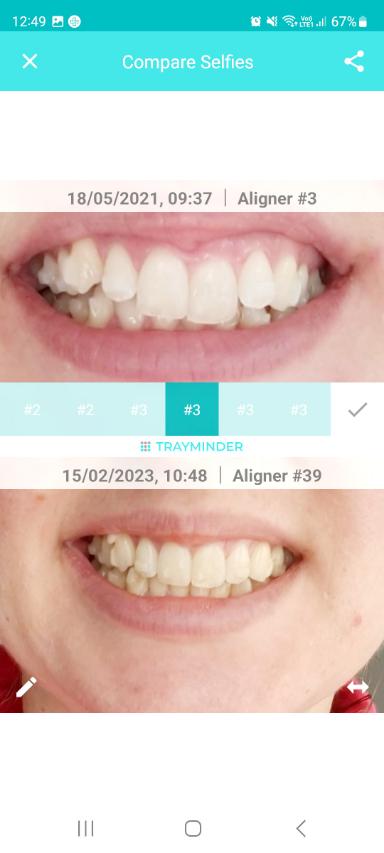
TrayMinder is an independent app created by an orthodontist. It works with any aligners (not just Invisalign), is available for iPhone, Android and Apple Watch, and needs no registration. It’s free to download, with some features in the paid Premium version. Personally, I used and liked it more:
- one tap tracks your wear time, and you can see straight away if you’ve gone over;
- you take a photo each time you switch aligners and then easily compare them one under another – I found this incredibly motivating; you can even turn the photos into a video;
- it reminds you when it’s time for a new aligner and how long is left in your treatment.
There’s no greater pleasure than comparing a photo from your first month with today’s. 😄
Other aligner apps
The App Store now has a whole bunch of aligner timers – OutTime, Aliner, Smilo and more. Most are iPhone-only, and almost all want a monthly subscription or a one-off payment for the full version. Before you pay, try the free version for a few days – for the basics (a timer and reminders) you don’t need more.
Do you even need an app?
It isn’t essential, but it helps, especially in the first months while you get used to 20–22 hours a day. The app doesn’t move your teeth – wearing your aligners does. More on wear time and habits in wearing clear aligners, and small tricks in my aligner tips.
The best aligner apps are the ones you actually use every day. A timer plus a photo at each switch is all you need.
Sources

Leave a Reply
You must be logged in to post a comment.